
# Deploying with Remix
These are instructions to deploy a contract to a chainlet from Remix (opens new window).
# Connecting with Metamask
Run saga chainlet get test to get the information about the test chainlet.
➜ saga chainlet get test
2022-09-22T21:21:27-07:00 INF environment variable AWS_PROFILE is set to default


chainlet information

chainlet name: test
creation date: 22 Sep 22 21:13 PDT
status: Running
endpoint: a81133aab3b9d4ca6981dfec73a032c7-1409eddb4a91d5ba.elb.us-west-1.amazonaws.com
ports: 26657,9090,1317,8545,8546


evm information

network name: test Saga Chainlet
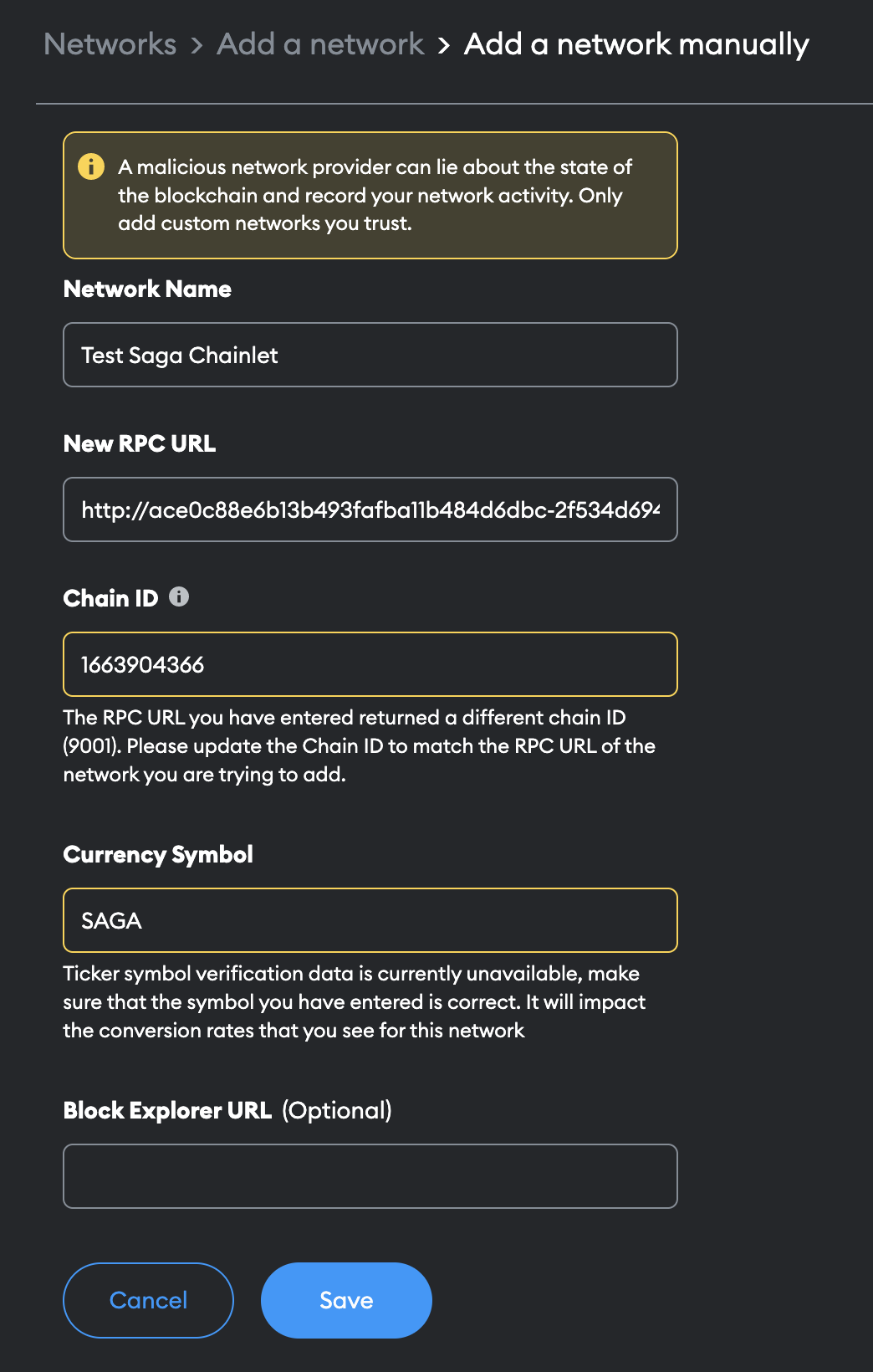
new rpc url: http://a81133aab3b9d4ca6981dfec73a032c7-1409eddb4a91d5ba.elb.us-west-1.amazonaws.com:8545
chain id: 1663906420
currency symbol: SAGA
Make sure you are using the evm information as config for metamask. You can also Metamask to localhost after running saga chainlet connect test.
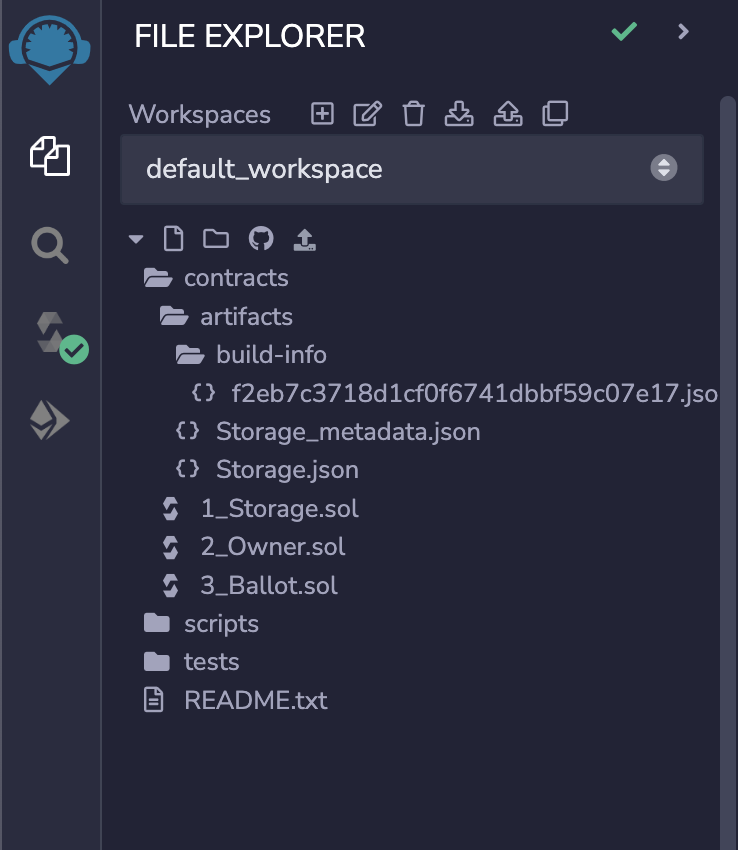
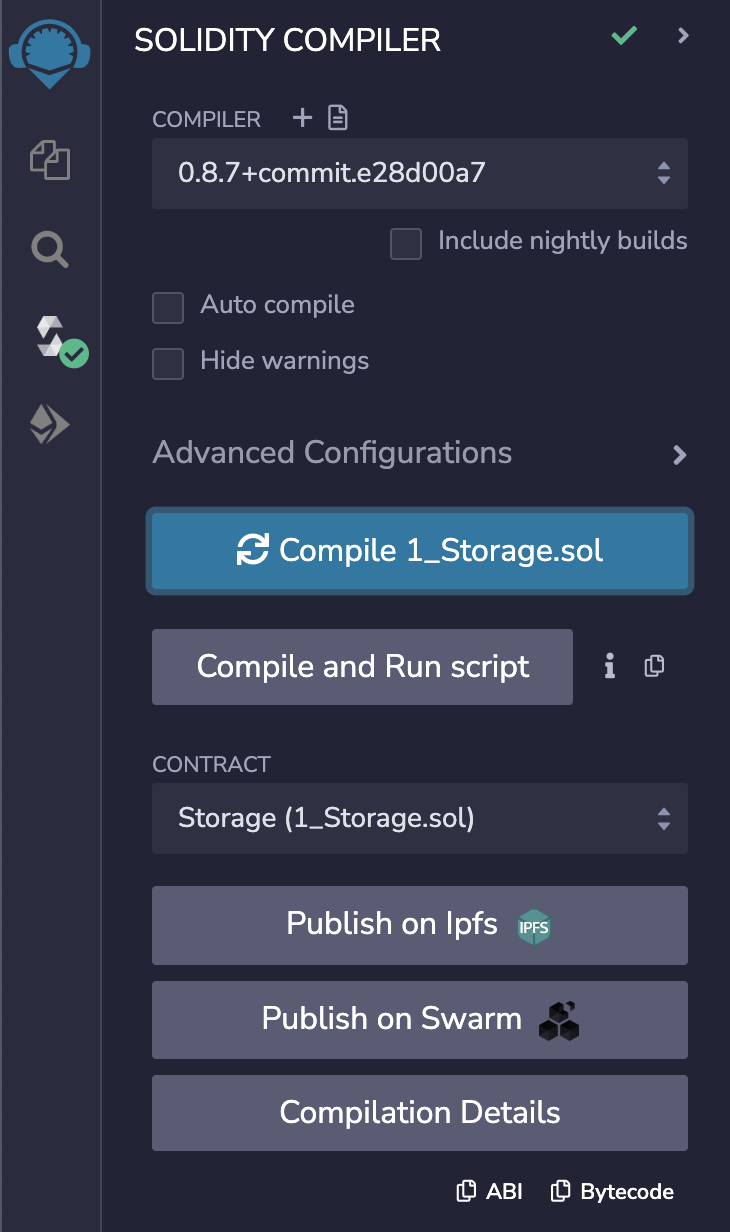
Select a contract from the file explorer and build it.
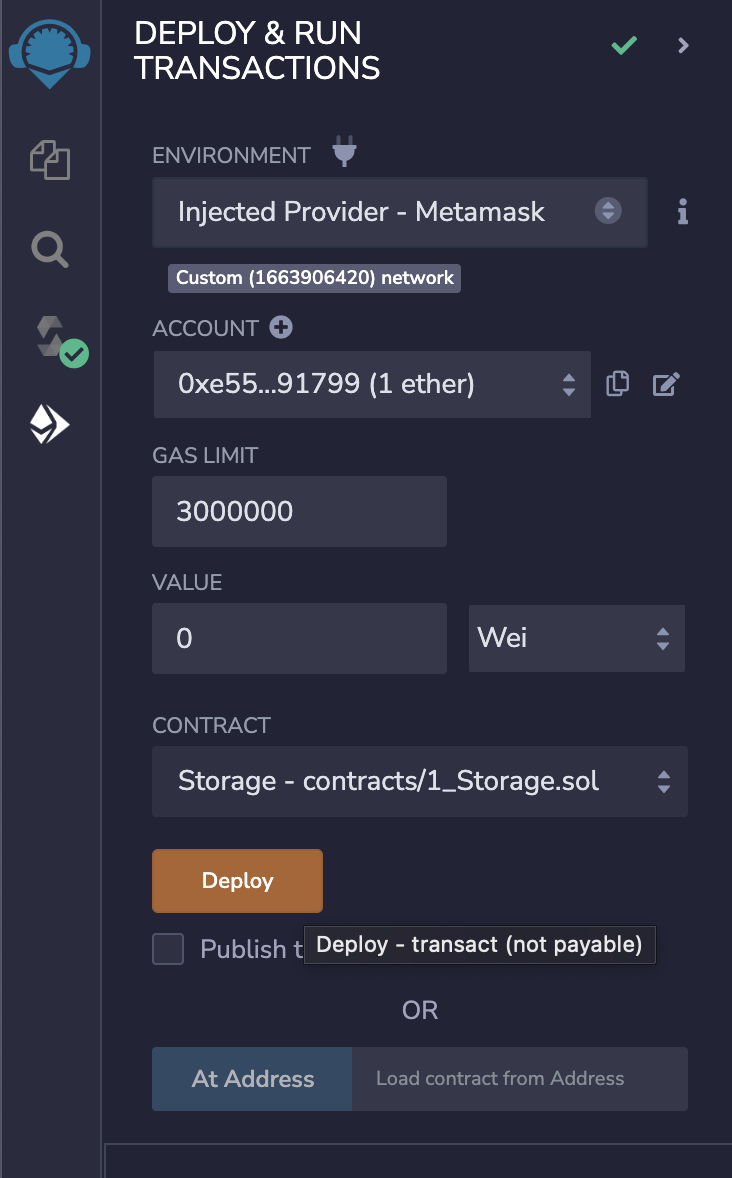
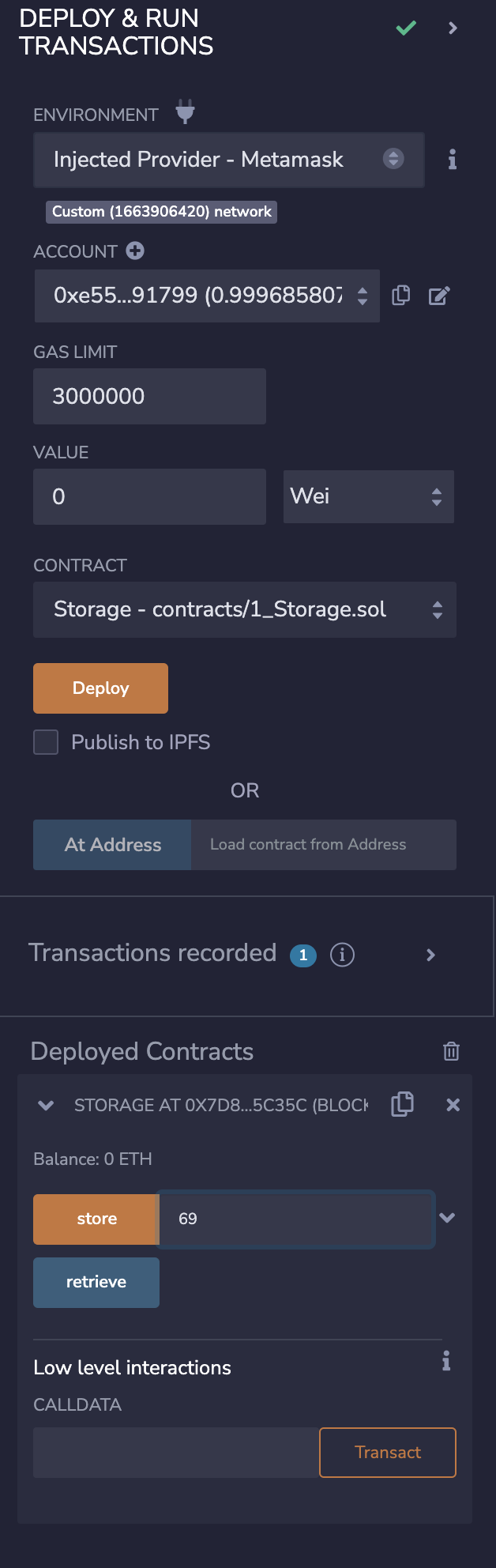
Make sure your network config is correct in Metamask and connect remix to "Injected Provider", and deploy the contract.
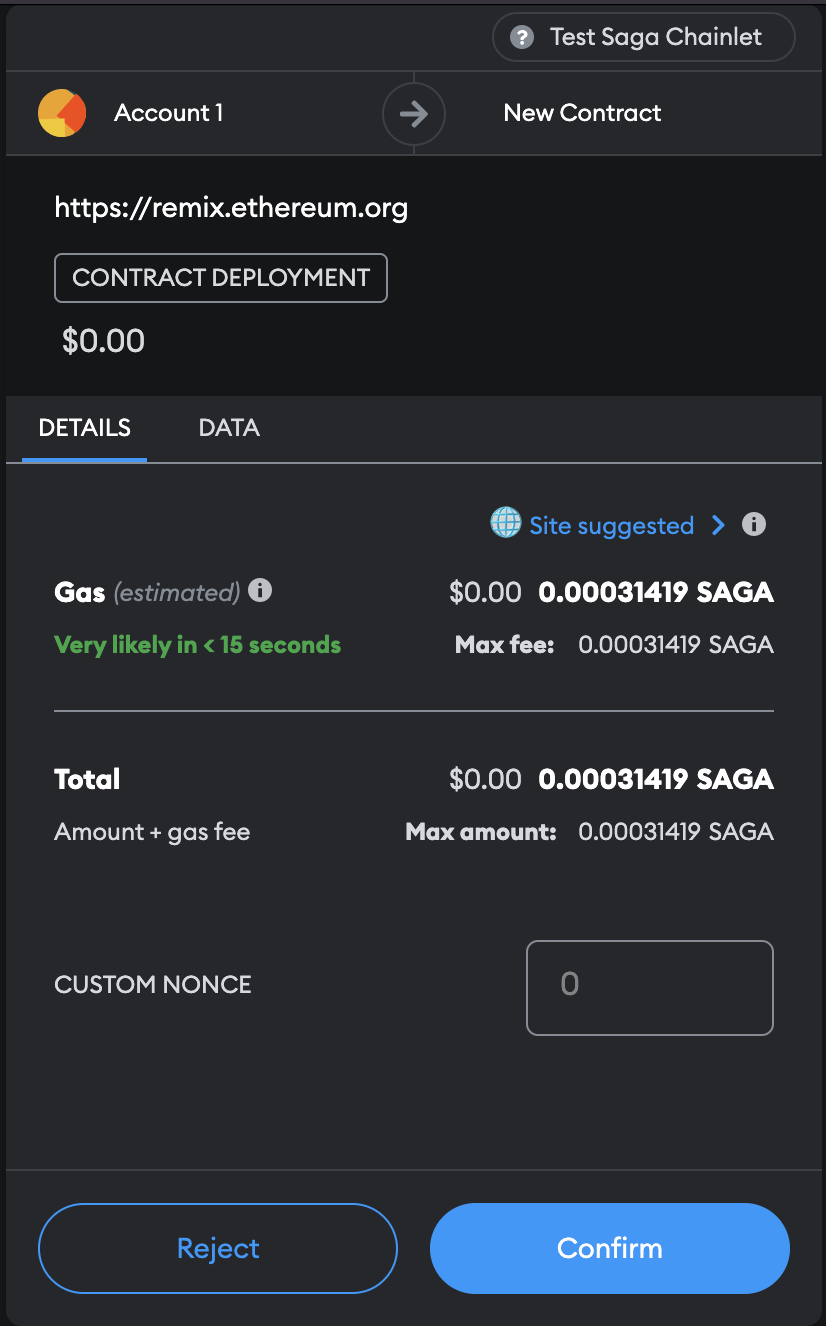
Once the transaction is confirmed, you can start interacting with your contract!
# 

=======
Select a contract from the file explorer and build it.
Make sure your network config is correct in Metamask and connect remix to "Injected Provider", and deploy the contract.
Once the transaction is confirmed, you can start interacting with your contract!
